

Campaign channels
NA
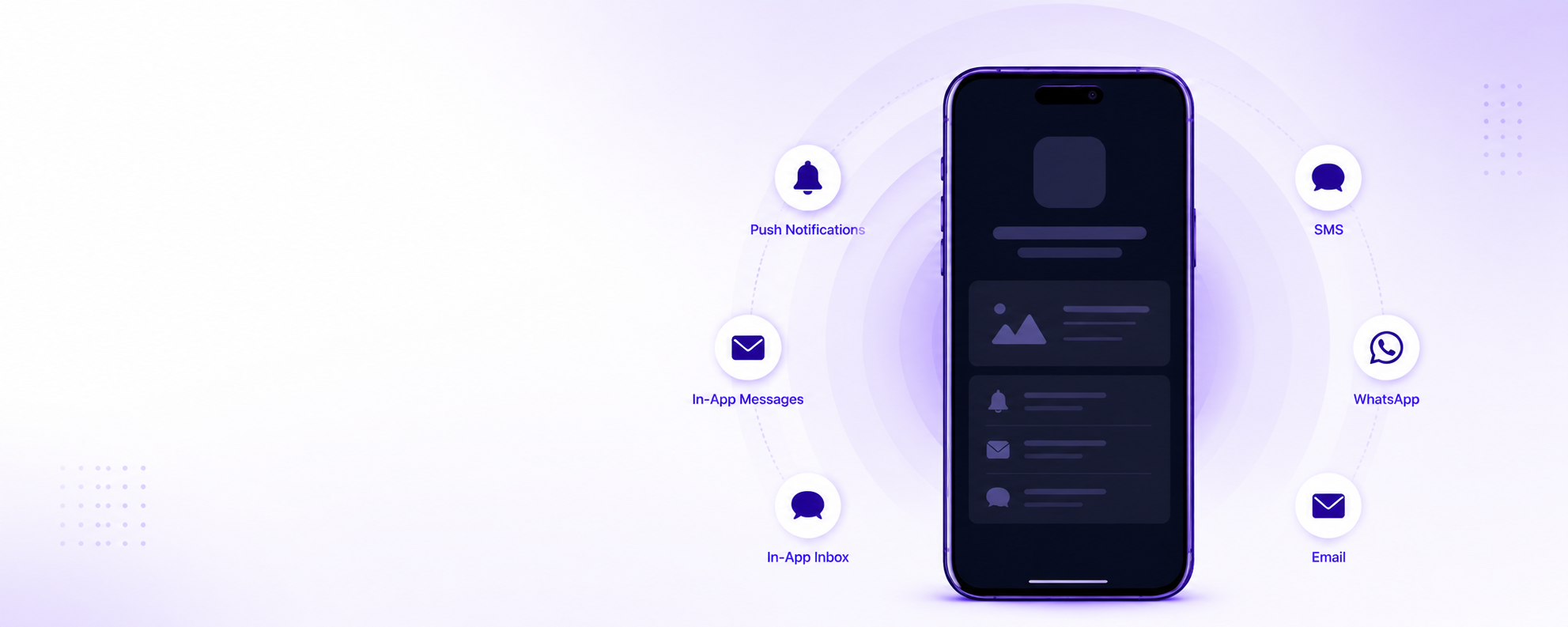
Choosing the right channel is the first step to reaching your audience effectively. Each channel serves a different purpose — some are built for broad reach, others for targeted, one-to-one communication — and together they help you generate leads, build awareness, drive conversions, and deliver personalized experiences.
The Zeta Marketing Platform (ZMP) gives you the flexibility to orchestrate campaigns across all of them from a single platform, ensuring your message reaches the right audience at the right time, in the right place, and in the right way. This section introduces each channel and explains when and how to use it.
On this page
Channel overview
Email
Email is one of the most powerful and reliable channels in your marketing mix, and ZMP campaigns are at the heart of making it work. Use it for rich, long-form content — onboarding journeys, newsletters, promotions, and order confirmations. To send email, you configure and confirm a From Address in ZMP, and each contact needs an email address on their profile.
SMS
SMS delivers short, time-sensitive messages directly to a customer's phone. Sending requires a registered sender — such as a short code or long code — and each contact needs a valid phone number. With Two-Way SMS, replies flow back into ZMP, so you can automate confirmations, surveys, and opt-in workflows.
Note: Read more about SMS Campaigns.
Push notifications
Push notifications are messages delivered by the device's operating system that appear on the lock screen, as banners, or in the notification center. They reach users even when your app is not running, which makes them your primary tool for re-engagement, time-sensitive alerts, and promotional offers. Users must grant notification permission for push to work.
For campaign setup details, see Push notifications.
In-app messages
In-app messages appear as overlay banners while the user is active in your app. Because they appear in the moment, they are ideal for contextual communication such as onboarding tips, feature announcements, or limited-time promotions. They do not require notification permission, so deliverability approaches 100% of users currently in your app.
For campaign setup details, see In-app messaging.
App inbox
App inbox is a persistent message store inside your app, similar to a notification center. It does not require notification permission. Unlike push notifications, which disappear after interaction, and in-app messages, which appear once, inbox messages stay available for users to read, revisit, or delete. This makes the inbox well suited to offers, updates, and content that stays relevant over days or weeks.
For campaign setup details, see App inbox.
Webhook
A webhook sends a campaign as an automated request to any external service, letting you trigger downstream systems as part of a customer journey. Webhooks are available in Trigger Campaigns.
Note: For webhook setup, see the Zeta knowledgebase: Campaign channels.
Choosing a channel
A quick guide to matching a goal to a channel:
- Bring a user back to the app or send a time-sensitive alert — push notification.
- Show a message while the user is already active in your app — in-app message.
- Collect an email address from an unknown user — in-app message with email collection.
- Give users a message they can revisit later — app inbox.
- Send rich, long-form content like newsletters or receipts — email.
- Reach a customer who has no app installed, or send a short, urgent update — SMS.
- Reach users who have not granted push permission — in-app message or app inbox (in the app), or email and SMS (outside the app).
- Trigger an external system as part of a journey — webhook.
Combine channels
The strongest campaigns rarely rely on a single channel. Because ZMP orchestrates all of them from one audience and one set of events, you can sequence a message across channels and let each one do what it does best. For example:
- Announce a sale by email to your full audience.
- Send a push notification reminder to users who have not opened the email.
- Show an in-app message with the offer when those users next open your app.
- Leave the offer in the app inbox so it is still there when they come back later.
ZMP keeps engagement signals from every channel in one profile, so you can suppress, target, and time each step based on how the customer responded to the last one.
Next
- Push notifications — campaign setup and targeting for mobile push.
- In-app messaging — campaign setup for in-app banners.
- App inbox — campaign setup for persistent in-app messages.
Updated 4 months ago