

Zeta SDK Overview
Integrate, configure, and ship with the Zeta mobile SDKs.
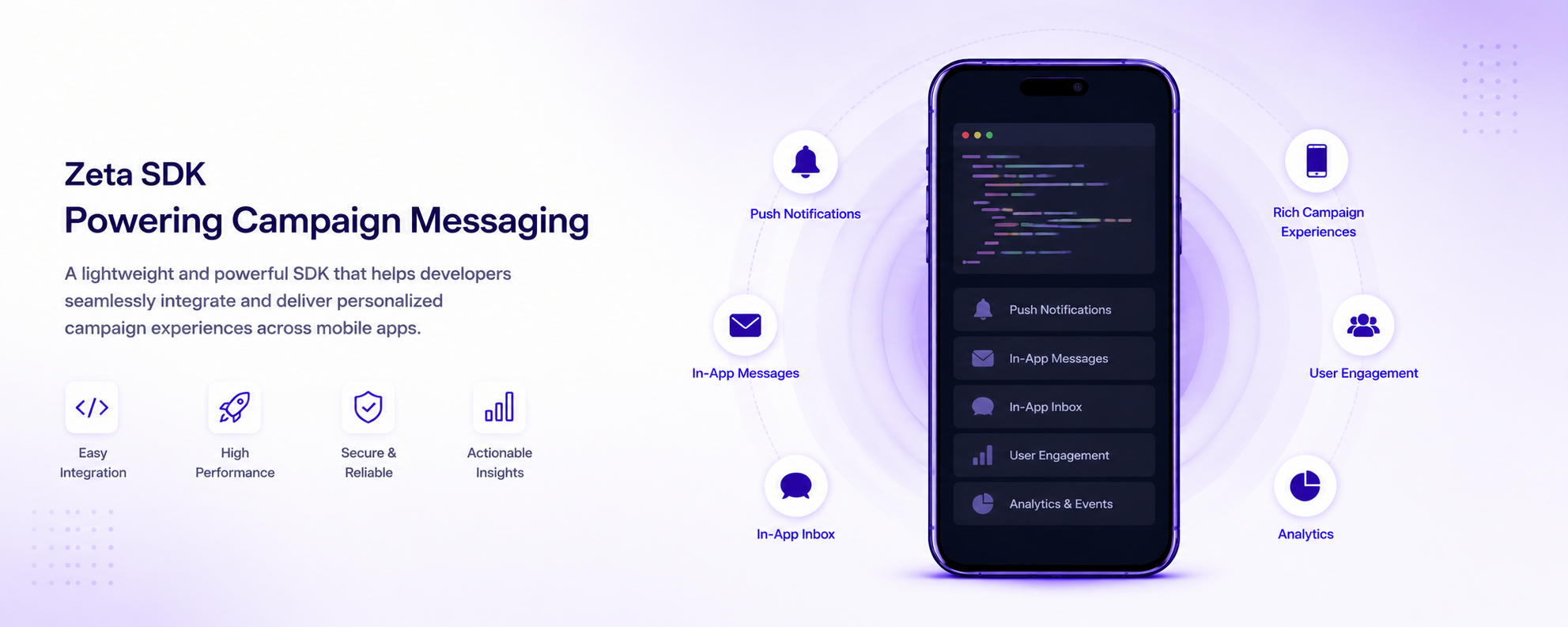
The Zeta SDK connects your mobile app to the Zeta Marketing Platform (ZMP). In brief, it:
- Collects behavioral data and syncs it to ZMP for segmentation and targeting.
- Identifies users across sessions, devices, and channels.
- Powers push notifications, in-app messages, and the app inbox — all orchestrated from ZMP.
This guide is for developers integrating the SDK into an iOS, Android, React Native, or Flutter app.
What is the Zeta SDK?
The Zeta SDK connects your mobile app to the Zeta Marketing Platform (ZMP). It provides a single integration point for user identity, behavioral tracking, and message delivery across push, in-app, and inbox channels.
Key features
- User identity -- know who your users are across sessions and devices. The SDK identifies users by UID or email, attaches custom properties, and resolves identities across channels.
- Event tracking -- understand how users behave in your app. Auto-tracked lifecycle events (install, open, close), screen-name tracking, and fully custom events are collected automatically and queued for delivery.
- Push notifications -- reach users with time-sensitive messages even when the app is not open. The SDK handles device-token registration, click attribution, deeplink delivery, and rich media (images, GIFs, video).
- Delivery tracking -- confirm that notifications actually reached the device. On-device delivery receipts are reported back to ZMP so your campaign analytics reflect real delivery.
- In-app messaging -- engage users while they are active in your app. Foreground, opt-in-free, SDK-rendered messages support optional email collection and are triggered from ZMP without an app update.
- App inbox -- give users a persistent message center inside your app. The SDK maintains a queryable store of inbox messages that your UI can fetch and display at any time.
What the SDK handles for you
The SDK manages the data infrastructure so your team can focus on your core product: user-profile creation and merging, event collection and offline queueing, push token management, delivery confirmation, and channel rendering — all with a few lines of initialization code. Without it, you would need to build this infrastructure from scratch before you could run a single targeted campaign.
For broader ZMP platform documentation, see the Knowledgebase.
Supported platforms
| Platform | Latest version |
|---|---|
| iOS | 1.0.0 |
| Android | 1.0.1 |
| React Native | 1.0.0 |
| Flutter | 0.2.x |
For detailed per-feature availability, see Platform support.
For the release timeline, see SDK Releases.
First steps
Integration is a team effort. Your marketing or operations team sets up ZMP — registering the app, configuring channels, and building audiences (see the User Guide). Your engineering team adds the SDK to the app (this guide). The SDK is designed to be lightweight; a typical first integration takes a few hours. Aligning both teams from the start avoids rework.
Before writing code, set up your project in the Zeta Marketing Platform.
Understand the platform
Familiarize yourself with ZMP and the messaging channels available to your campaigns:
- Getting started with ZMP -- platform basics, navigation, and core concepts.
- Campaigning channels -- push notifications, in-app messaging, app inbox, and email.
Register your mobile app
Register your app in ZMP to generate the clientSiteId and clientSecret required to initialize the SDK.
- Mobile app registration -- step-by-step ZMP setup: app details, token generation, and push certificate upload.
Integrate the SDK
Choose your platform to install the SDK, initialize it, and send your first event. Before you begin, register your app in ZMP to generate your Site ID and API token.
- iOS -- start with Getting started.
- Android -- start with Getting started.
- React Native -- start with Getting started.
- Flutter -- start with Getting started.
Concepts
Understand the fundamental concepts that apply across all Zeta SDKs.
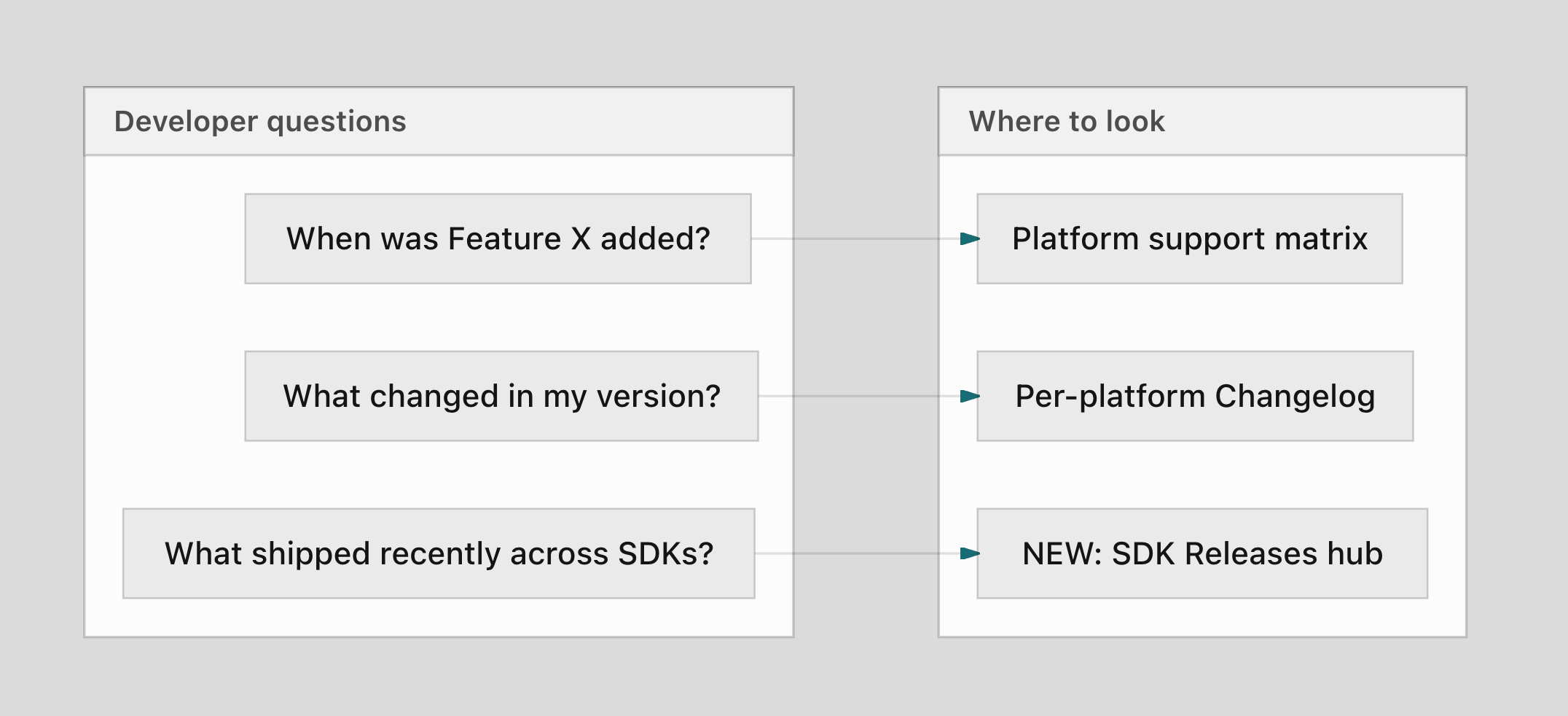
- Platform support -- feature support by platform and SDK version.
- SDK Releases -- cross-platform release timeline, dates, and breaking-change callouts.
- User identity and properties -- how ZMP identifies users, standard and custom properties, UCLID.
- Event model -- auto-tracked events, custom events, screen tracking.
- Opt-in and opt-out -- tracking consent, opt-out behavior, re-opt-in.
- Data flow -- SDK-to-ZMP-to-Data Cloud pipeline, offline queueing, sync model.
Troubleshooting
Resolve issues quickly with platform-specific troubleshooting guides.
- iOS -- Push troubleshooting, Testing and QA.
- Android -- Push troubleshooting, Testing and QA.
- React Native -- Push troubleshooting, Testing and QA.
Tutorials and blog
Hands-on guides to get you from zero to a working integration, plus engineering posts covering what's new and how things work under the hood.
Tutorials
Step-by-step walkthroughs from an empty project to a fully integrated SDK.
Blog
Release announcements and engineering deep-dives.
- Introducing App Inbox -- persistent in-app message store, available in iOS, Android and React Native 1.0.0.
Stay updated
For SDK release announcements, breaking change alerts, and new feature notifications, sign up to stay updated.
Licensing
The Zeta SDKs are distributed under the Zeta Global Corp. SDK License Agreement.
The full license text is included as LICENSE.md in each SDK repository.
For privacy declarations and data collection details, see Privacy and compliance.
Updated 3 months ago